
Download Google Maps – Free Navigation, Real‑Time Traffic & Location Discovery
Overview
Google Maps is a free, cross‑platform navigation and location‑discovery app that has become indispensable for travelers, daily commuters, and casual explorers alike. Powered by Google’s massive data network, the app offers turn‑by‑turn directions for driving, walking, cycling, and public transit, while also providing detailed information about nearby businesses, landmarks, and points of interest. Whether you’re hunting for the nearest coffee shop, planning a multi‑city road trip, or simply need the fastest route home after work, Google Maps delivers accurate, real‑time guidance backed by live traffic updates, satellite imagery, and AI‑enhanced features such as Live View and eco‑friendly routing. Its intuitive interface adapts to day and night cycles, and the app continuously learns from user contributions to keep maps current worldwide. Beyond basic navigation, Google Maps integrates reviews, personalized suggestions, parking reservations via SpotHero, and accessibility tools for visually impaired users, making it a comprehensive travel companion that goes far beyond getting you from point A to point B.
Key Features of Google Maps
- Turn‑by‑Turn Navigation: Voice‑guided directions for driving, walking, cycling, and public transit with real‑time traffic alerts.
- Live View (AR): Augmented‑reality overlay that shows arrows and distance markers when you point your phone at the street.
- Eco‑Friendly Routing: Routes optimized for lower carbon emissions based on road incline, traffic, and fuel efficiency.
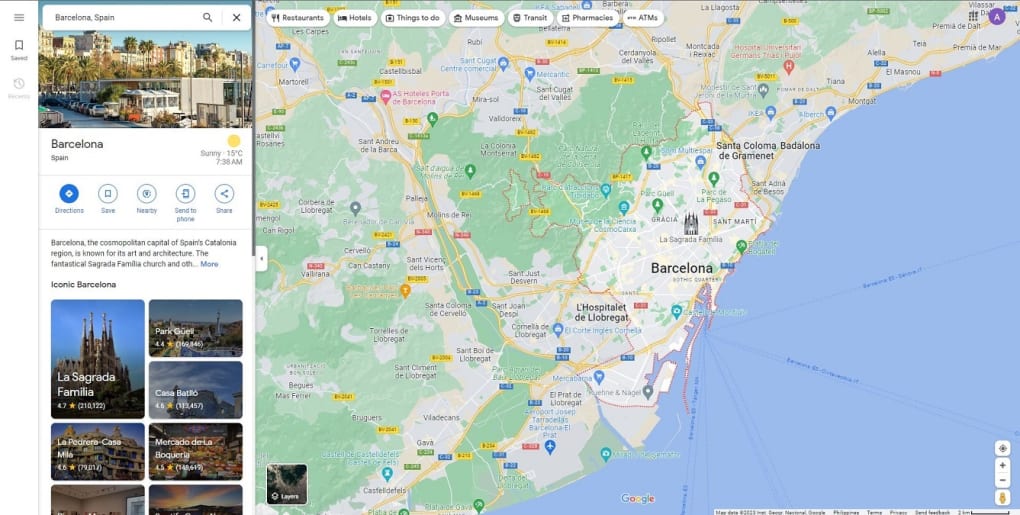
- Street View & Satellite Imagery: 360° panoramas in over 80 countries and high‑resolution satellite maps.
- Business Insights: User‑generated reviews, photos, opening hours, and contact details for restaurants, shops, and services.
- Public Transit Planner: Timetables, transfers, and live delay notifications for buses, trains, and subways.
- Parking Integration: Find and reserve nearby parking spots through SpotHero directly within the app.
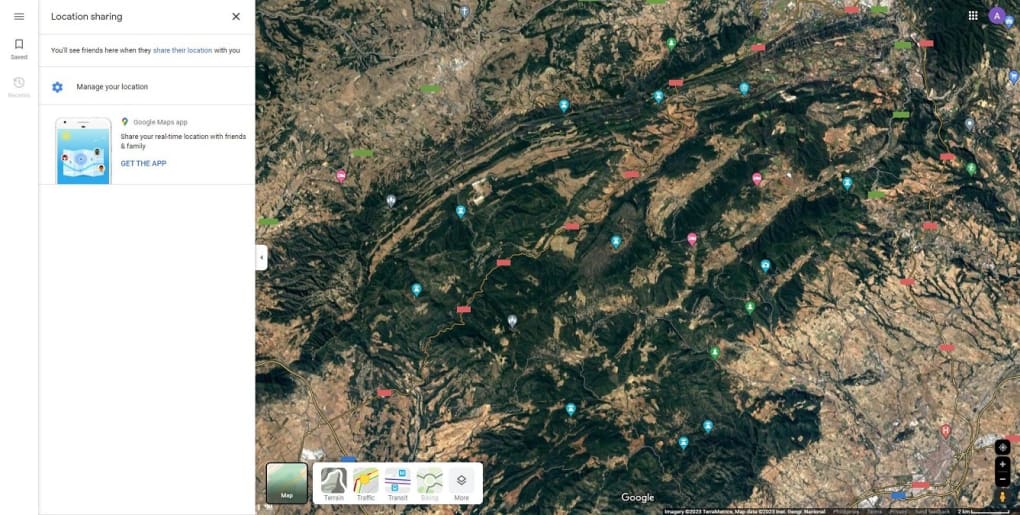
- Location Sharing: Share your real‑time location with friends for a limited period or until you turn it off.
- Offline Maps: Download regions for navigation without an internet connection.
- Personalized Suggestions: AI‑driven recommendations for restaurants, attractions, and routes based on your habits.
Installation & Usage Guide
Getting Started on Your Device
Google Maps is available for free on Android, iOS, Windows (via the web), and macOS (through the browser or the dedicated desktop app). To install, open the Google Play Store on Android or the App Store on iOS, search for “Google Maps,” and tap “Install.” The download size typically ranges from 80 MB to 150 MB depending on the device architecture. For desktop users, navigate to maps.google.com and sign in with your Google account to sync favorites, saved places, and recent searches.
First‑Run Configuration
Upon launching the app for the first time, you’ll be prompted to grant location permissions. Accepting “Precise location” enables the most accurate turn‑by‑turn guidance and real‑time traffic data. The app will also ask for permission to send notifications – useful for traffic alerts, transit delays, and parking reminders. If you wish to keep your data private, you can customize these permissions later in the Settings menu.
Planning a Route
Enter your destination in the search bar at the top. Google Maps instantly offers multiple transport modes – car, public transit, walking, cycling, and rideshare. Tap the icon representing your preferred mode, then review the suggested routes. Each route displays estimated travel time, distance, and a color‑coded traffic overlay (green for free flow, orange for moderate, red for heavy congestion). Advanced users can tap “Options” to prioritize toll‑free roads, fuel‑saving routes, or avoid highways.
Live View & Augmented Reality
When walking in an unfamiliar area, activate “Live View” from the navigation screen. Point your phone’s camera toward the street, and the app overlays directional arrows, distance markers, and points of interest directly onto the live video feed. This feature works best in well‑lit environments and with a clear view of the sky for GPS accuracy.
Saving Places & Offline Use
To bookmark a location, tap the name of the place on the map, then select “Save” and choose a list (e.g., “Favorites,” “Want to go”). For offline navigation, go to the menu > “Offline maps” > “Select your own map,” then download the desired region. Offline maps retain turn‑by‑turn directions but will lack live traffic updates.
Battery & Data Management
Continuous GPS usage can drain battery quickly. To conserve power, enable “Battery saver” mode in Settings, which reduces the frequency of location updates. You can also switch to “Wi‑Fi only” mode for map tiles if you have a limited cellular plan.
Compatibility, Pros & Cons
Supported Platforms: Android 5.0+ (Google Play), iOS 12+ (App Store), Web browsers (Chrome, Safari, Edge, Firefox) on Windows 10/11, macOS 10.13+, and Chrome OS. The app automatically syncs across devices when you sign in with the same Google account.
Pros
- Free & Regularly Updated: No subscription fee, with monthly feature releases and map data refreshes.
- Comprehensive Coverage: Global maps, public transit schedules, and Street View in over 80 countries.
- Real‑Time Traffic & Incident Alerts: Live congestion, accidents, and road closures keep routes optimal.
- AI‑Powered Personalization: Tailored suggestions, eco‑routing, and AR Live View enhance user experience.
- Integration with Google Ecosystem: Seamless sync with Gmail, Calendar, and Google Assistant for hands‑free navigation.
- Robust Offline Capabilities: Downloadable maps allow navigation without internet.
Cons
- Battery Consumption: Continuous GPS and live traffic updates can quickly drain device batteries.
- Data Usage: High‑resolution satellite tiles and AR features consume significant mobile data.
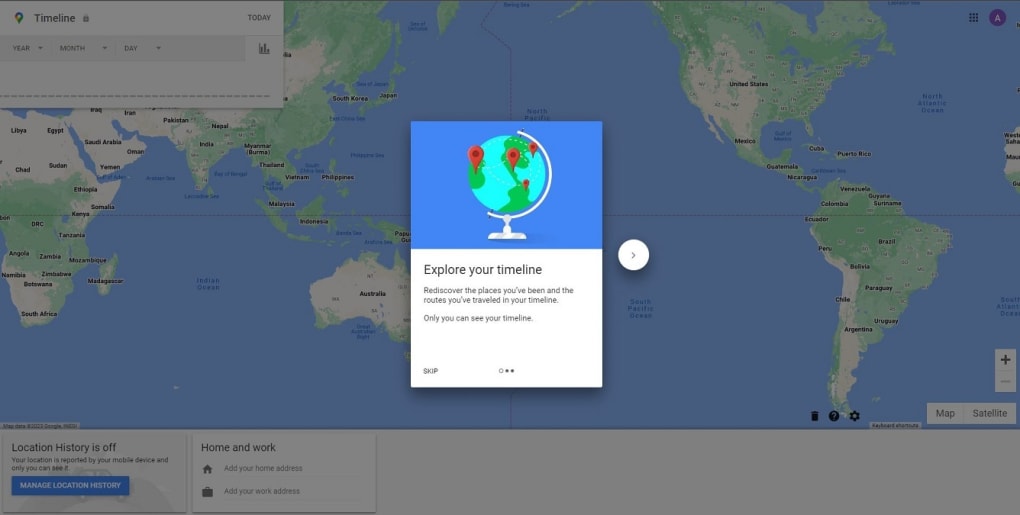
- Privacy Concerns: Location history is stored on Google servers unless disabled.
- Complex Interface for New Users: The abundance of features may overwhelm first‑time users.
- Occasional Map Inaccuracies: Rural or rapidly developing areas sometimes lag behind updates.
FAQ & Final Thoughts
Is Google Maps completely free or are there hidden costs?
Google Maps is free to download and use for navigation, location search, and most core features. However, the app may consume mobile data and battery, which could affect your carrier plan or device battery life. Optional services like rideshare bookings or premium parking reservations through third‑party partners may involve additional fees.
Can I use Google Maps offline?
Yes. You can download specific regions for offline navigation via the “Offline maps” feature. While offline, you still receive turn‑by‑turn directions, but live traffic, transit updates, and real‑time search results are unavailable.
How accurate is the AI‑powered “eco‑friendly” routing?
Eco‑friendly routing uses a combination of road grade, traffic flow, and historical fuel consumption data to suggest routes that reduce carbon emissions. While it generally provides a greener alternative, the exact savings vary based on vehicle type, driving style, and real‑time conditions.
Does Google Maps support accessibility for visually impaired users?
Yes. The app includes enhanced voice guidance, larger icons, and an “accessible routes” option that highlights wheelchair‑friendly paths and public transit stations with accessibility features.
How does Google Maps compare to Waze for daily commuting?
Both are owned by Google, but Waze focuses on community‑driven traffic alerts and a gamified experience, while Google Maps offers a broader suite of features such as public transit, indoor maps, and business information. For commuters who value comprehensive routing options and transit integration, Google Maps is often the preferred choice.
Final Thoughts & Call to Action
Google Maps remains the gold standard for free navigation, blending real‑time traffic intelligence with a rich ecosystem of location data, AI‑enhanced tools, and global coverage. Its ability to adapt to various transport modes, provide offline access, and integrate seamlessly with other Google services makes it a must‑have app for anyone who travels—whether it’s a short walk to the coffee shop or a cross‑country road trip. While battery drain and data usage are valid concerns, the benefits of accurate routing, eco‑friendly options, and extensive business insights far outweigh the drawbacks for most users.
Ready to explore the world with confidence? Click the button below to download Google Maps for free and start navigating smarter today.



.png)



